You can link your MLB Ballpark account to SeatGeek to access your ticket barcodes and sell eligible tickets. You can start the linking process from either your SeatGeek account or your MLB team account, depending on where your tickets are.
When do I need to link my MLB account?
You may need to link your accounts if:
- Your MLB tickets were purchased on SeatGeek but require MLB Ballpark access for barcodes to appear
- Your tickets are in your MLB Ballpark account and you want to sell them on SeatGeek's Marketplace
- You want to manage MLB tickets without switching between platforms
How to link your MLB account
Option 1: After you buy MLB tickets on SeatGeek
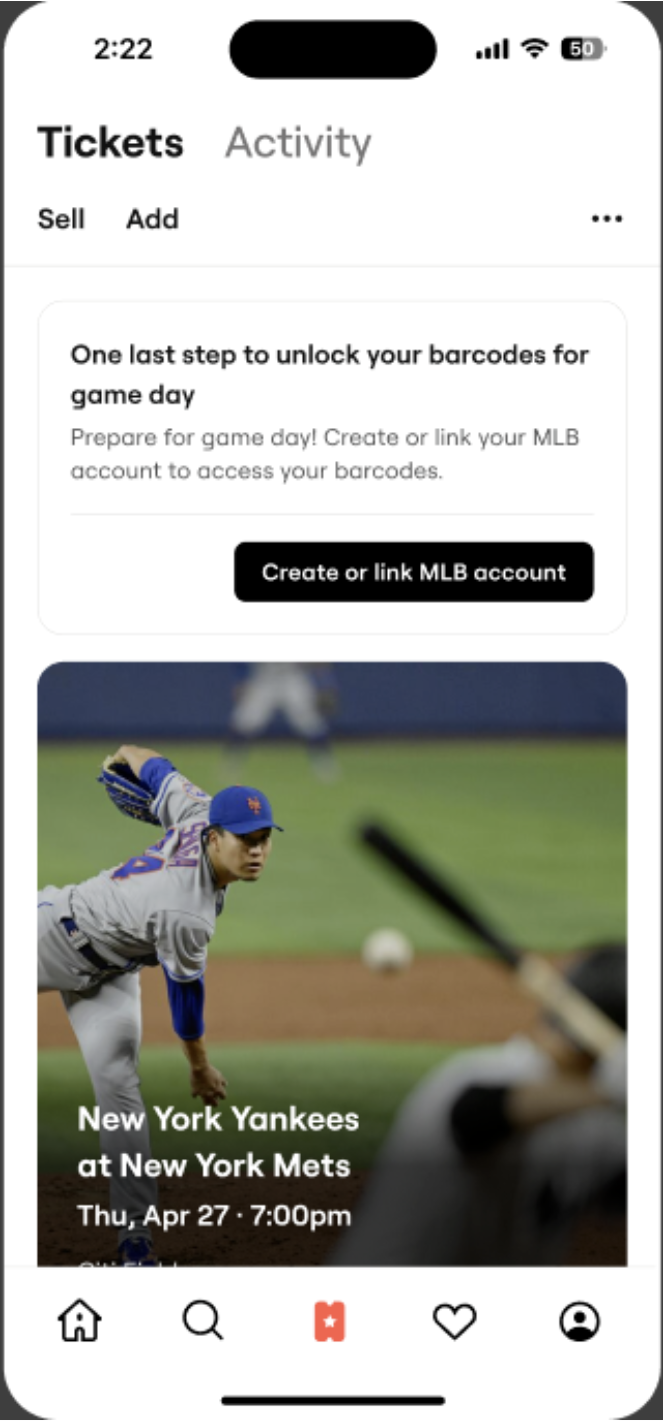
- Go to the Tickets section in your SeatGeek account
- Tap “Create or link MLB account”
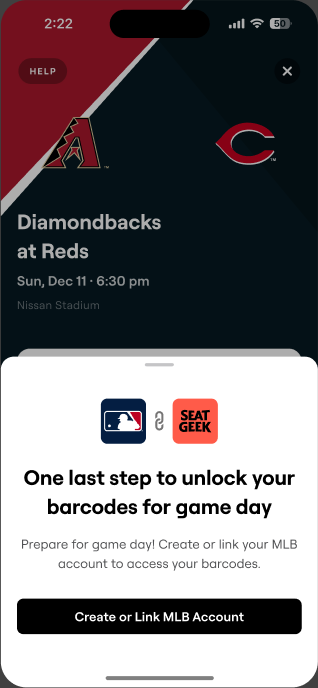
- Log in to (or create) your MLB Ballpark account
- Allow SeatGeek to connect to your MLB Ballpark account
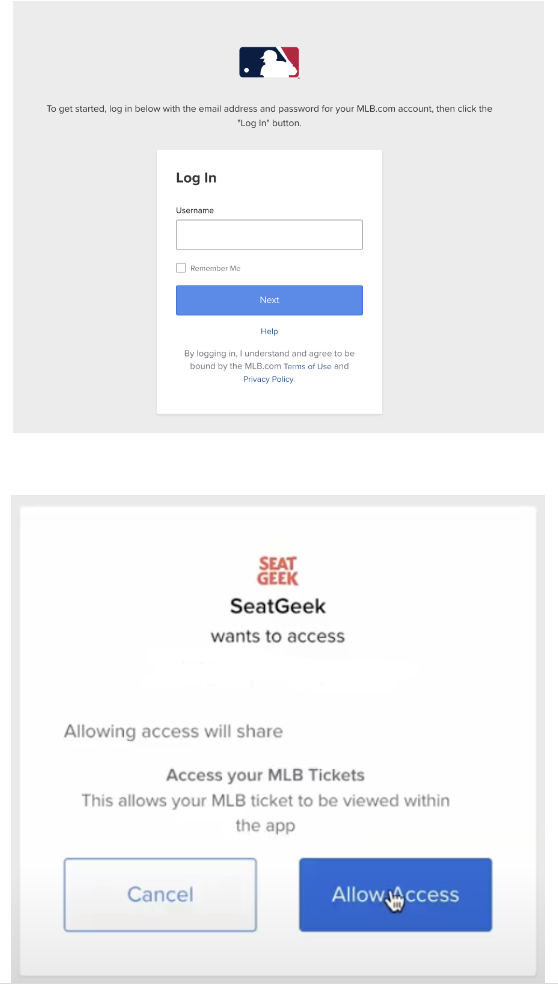
Important: Use the same email address for both accounts when creating a new MLB account.
Check out the video at the bottom of this page for a visual walkthrough!
Option 2: After you buy MLB tickets elsewhere
- Log in to your SeatGeek account
- Go to your Tickets section
- Select “Add” and then “Link MLB Account"
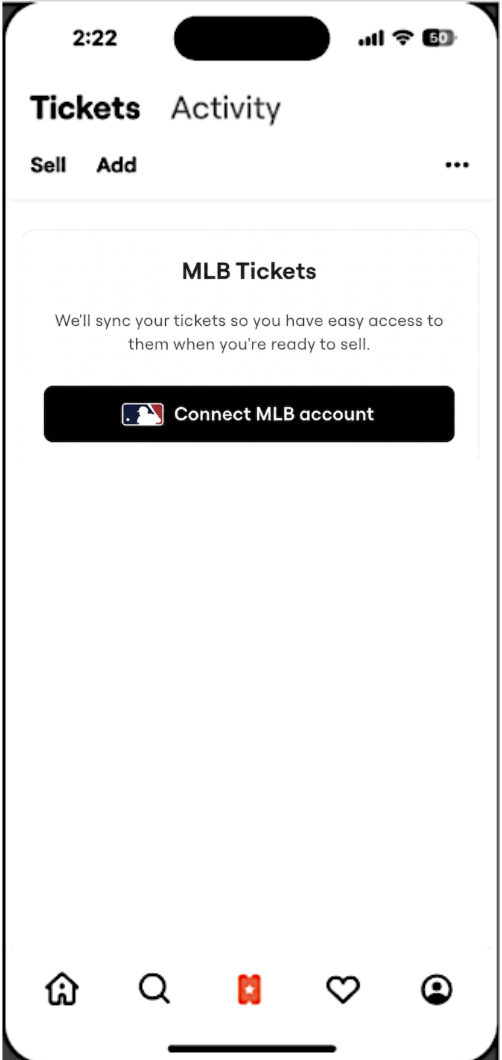
- Choose your team
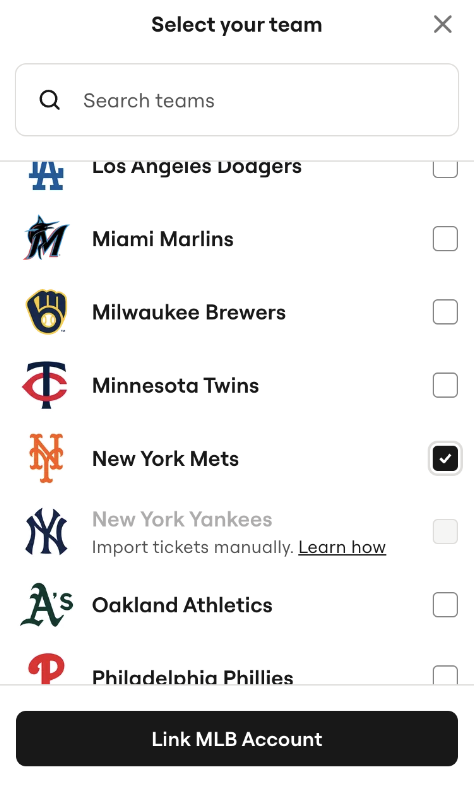
- Log in to your MLB Ballpark account and approve access
Option 3: From the "Sell" button in your MLB Ballpark app
- Log into your MLB Ballpark account and select "Tickets"
- Select the tickets you would like to sell and tap "Sell"
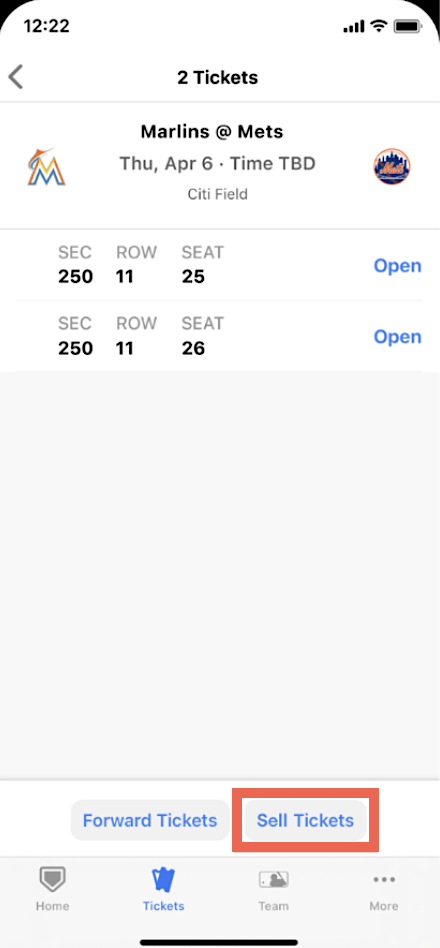
- After being redirected to SeatGeek, log in or create a SeatGeek account
- Tap "Link account," then select your team and tap "Link MLB account"
- Allow SeatGeek to access your MLB Ballpark account
Want to see it in action? Check out this video walkthrough:
What happens after I link my MLB account?
After linking:
- Your MLB tickets will appear in your SeatGeek account (if supported)
- You can view and manage available ticket barcodes
- You can list eligible tickets for resale on SeatGeek
It may take a few minutes for tickets to appear. You’ll receive a confirmation email once they’re available.
Video Walkthrough