Is SMS verification required to complete my purchase?

SeatGeek has implemented a one-time passcode (OTP) during your checkout process. This may require you to verify your identity using a code sent to your phone or email. Using SMS OTP during checkout is a quick and secure way to confirm your identity and complete your purchase safely!

Here’s how it works:

  • Select Your Tickets: Choose your event and seats, then click "Go to Checkout".
  • You'll be prompted to enter your email address.

No Existing Account

First, you'll be prompted to enter your email address:

Enter email screen

Next, you'll enter your phone number on the following screen.

Enter phone screen

New accounts created through guest checkout don't require SMS verification.

Once verified, you’ll be able to continue with your purchase:

  • Review your order
  • Submit payment
  • Receive your confirmation email

Existing Account

You'll be prompted to enter your email address:
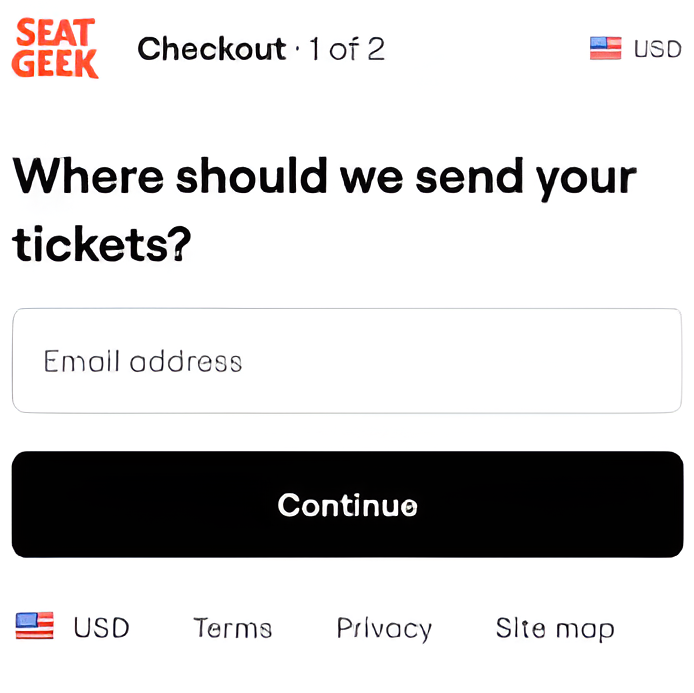
Enter email screen

With phone number on file:

You'll receive a 6-digit code via text message to your phone. Enter the code in the required field. The code expires after 60 seconds.
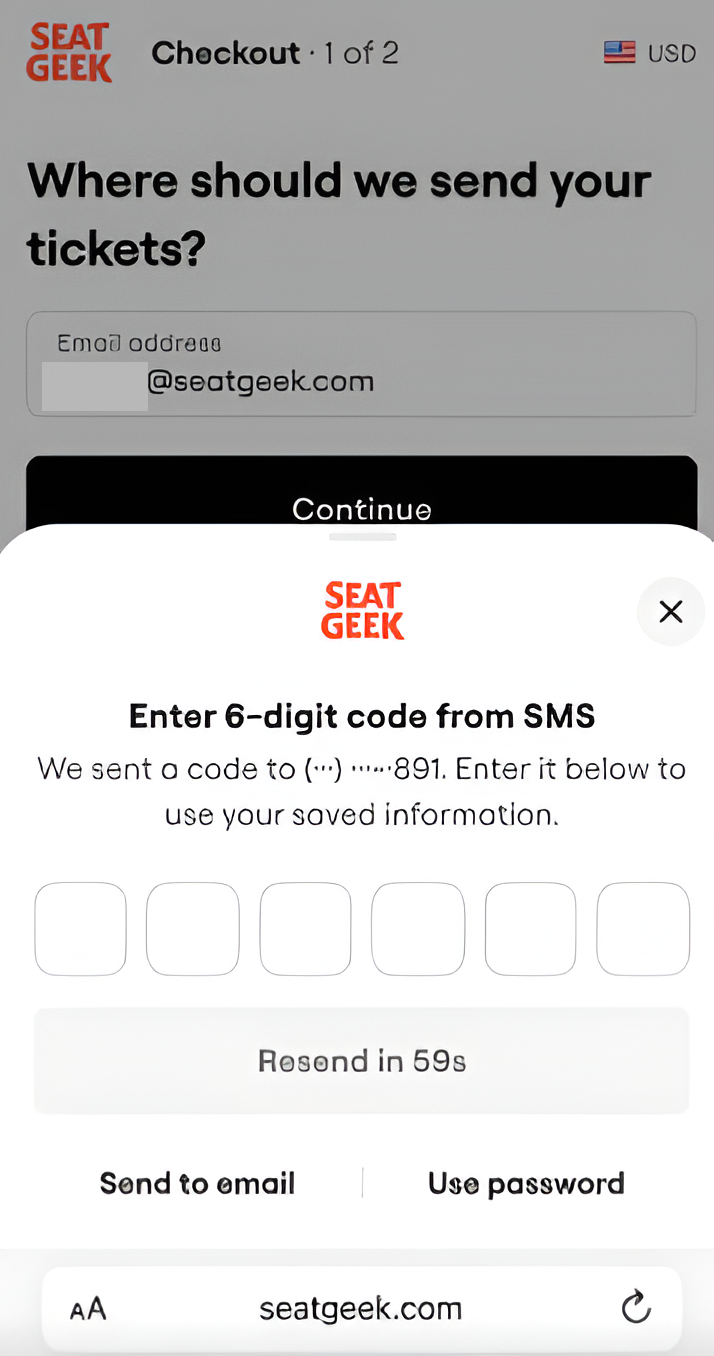
SMS OTP screen

No phone number on file (email only):

You can receive the one-time passcode (OTP) via email instead. You'll receive a 6-digit code in your inbox. Enter the code in the required field. The code expires after 60 seconds.
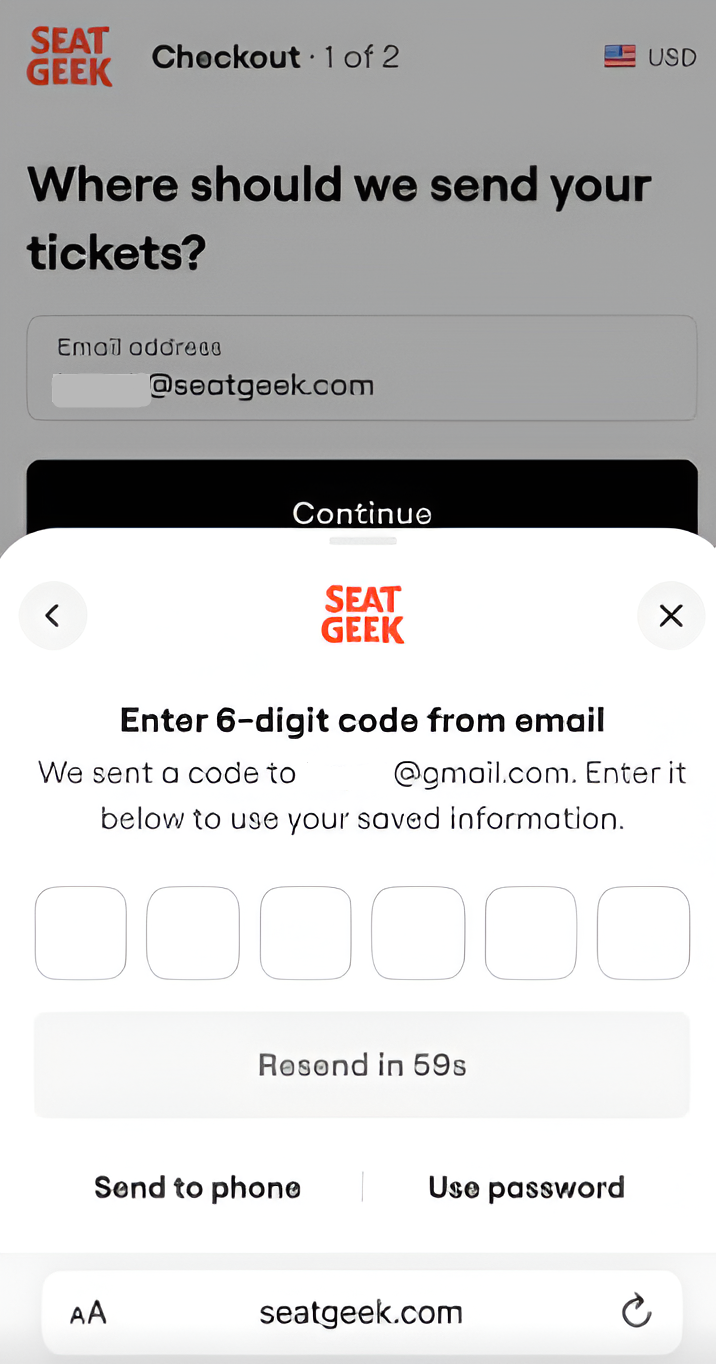
Email OTP screen

You also have the option to log in using the "Use password" button.
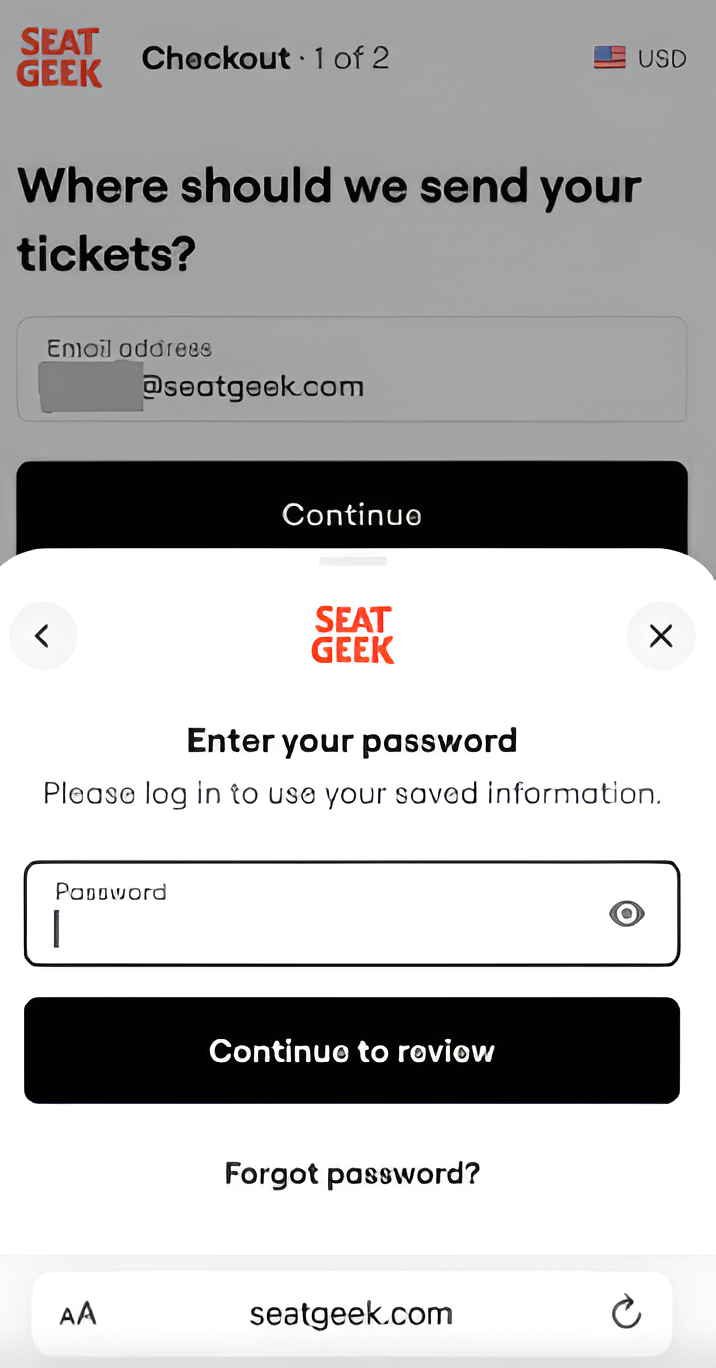
Use password option

Once verified, you’ll be able to continue with your purchase:

  • Review your order
  • Submit payment
  • Receive your confirmation email

Didn’t Receive the Code?

  • Double-check that you entered the correct phone number
  • Make sure your phone has service and can receive text messages
  • Wait a few minutes and request a new code
  • Confirm that SMS messages aren’t blocked on your device

If you continue to experience issues, contact SeatGeek Support.