You can change your SeatGeek email preferences in the Notifications section of your Account Settings.
How to unsubscribe from SeatGeek emails:
- Log in and visit your Account page.
- Look for the Notifications Section and click on button:
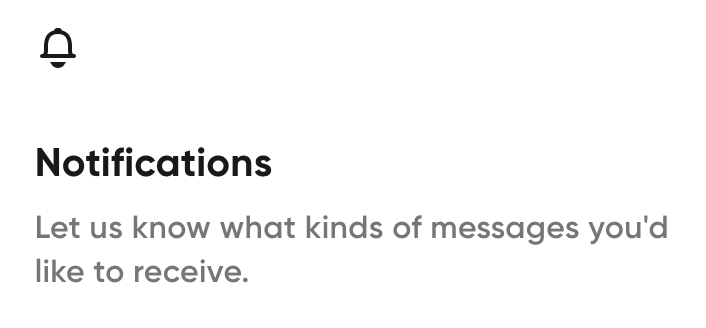
-
You can subscribe to or unsubscribe from any type of email simply by clicking on the toggle to the right. If you are subscribed, the toggle will be dark and in the right position. If you are unsubscribed, the toggle will be colorless and in the left position.
Example of toggle in "subscribed" position:

How to manage SeatGeek Live Activities (iOS 18+) notifications
You can enable or disable Live Activities for SeatGeek at any time from your iPhone settings.
- Open Settings on your iPhone.
- Tap Apps.
- Select SeatGeek.
- Toggle Live Activities on or off.
For more info on Live Activities, check out: What are SeatGeek Live Activities notifications and how do they work?
En Español