You can use the credit or debit card information saved in your SeatGeek account settings to place a mobile order. You'll see the option to order in the lower righthand corner of the "Tickets" section of the SeatGeek app.
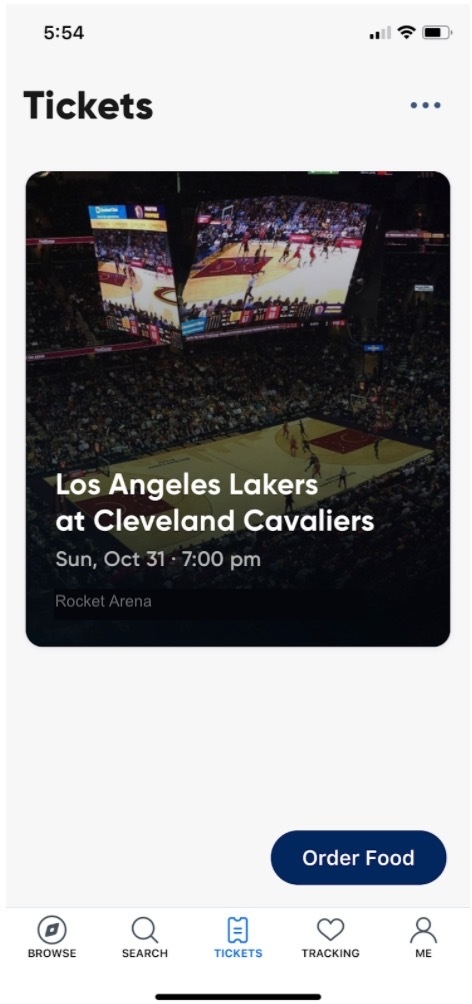
Once your mobile order is placed, you’ll find a pass listed just below your ticket, again in the lower righthand corner. Tap on the pass for specific instructions on how and when to redeem your mobile order.